 How-to
How to Verify a Used Golf Cart's Maintenance History
Last Updated: November 14, 2026
Quick Summary
To verify golf cart maintenance history, match the serial number on every invoice to the cart's serial number, then call the shop to confirm each work order number, date, and repair is real. Cross-check dates against the model year and confirm claimed battery replacements against the battery date codes.
- Find the serial number under the front cowl, on the frame, in the battery compartment, or on the motor housing.
- A record dated before the cart's model year is impossible and should be set aside.
- Battery date codes are stamped or etched on the battery case or terminals.
- Electric cart records should show battery, charger, controller, and wiring work, not oil changes.
- A pre-purchase inspection by a qualified technician can assess a cart when records are missing.
Table of Contents
- Why Maintenance History Decides What a Used Golf Cart Is Worth
- Start With a Serial Number Golf Cart Lookup to Confirm the Cart's Identity
- How to Verify Golf Cart Maintenance History Online and Through Dealers
- A Step-by-Step Method for Authenticating Service Records
- What to Do When Records Are Missing or Incomplete
- Use a Used Golf Cart Inspection Checklist to Match Records to Condition
- Build Your Own Golf Cart Maintenance Checklist Template for the Road Ahead
- Book a Pre-Purchase Inspection Before You Hand Over Any Money
- Frequently Asked Questions
Why Maintenance History Decides What a Used Golf Cart Is Worth
A used golf cart without paperwork is a guess dressed up as a deal.
Golf cart maintenance records tell you what was done, when, and by whom.
A clean body means nothing. A cart can be washed and detailed while its battery pack is on its last legs. The records, or the lack of them, are where the real condition lives.
Start With a Serial Number Golf Cart Lookup to Confirm the Cart's Identity
Before you read a single service record, confirm the cart is actually the cart those records describe. A serial number golf cart lookup ties the vehicle identifier to a specific make, model, and model year. Without it, you're trusting a seller's word that the folder of receipts belongs to this machine.
Find the serial number in one of these spots:
- Under the front cowl or dashboard
- On the frame near the driver's side wheel
- On a plate inside the battery compartment
Write it down and compare it to the number on the title, bill of sale, and any dealer paperwork.
How to Verify Golf Cart Maintenance History Online and Through Dealers
Verifying golf cart maintenance history online works best when you go straight to the source. Some manufacturers and dealers may be able to confirm service work tied to a serial number. Here's how to check:
- Call the manufacturer's customer service line with the serial number and ask for any warranty or service claims on file.
- Contact the dealer named on the receipts and confirm the work order numbers match the cart.
- Ask the seller for the original service invoices, not just a summary sheet.
- Cross-check dates: a service record dated before the cart's model year is impossible.
- Look for a pattern of routine maintenance, not just one big repair.
For general guidance on what a sound maintenance routine looks like, the Consumer Product Safety Commission guidance on off-road vehicle safety is a useful starting point for safety-related checks. And if you're weighing a purchase, the FTC's consumer advice on buying used products explains your rights when a seller misrepresents condition.
A Step-by-Step Method for Authenticating Service Records
Authenticating records is detective work, and it follows a clear order. The goal is not to collect paperwork but to prove three things: the documents belong to this cart, the work described is plausible for this cart's age and use, and the documented condition matches what you can see and test.
- Match the serial number on every invoice to the cart's serial number. If an invoice shows a different, missing, or handwritten serial number that does not match the plate on the cart, set that document aside. A common pattern is a seller with a folder of receipts from a previous cart or a fleet account; those can look legitimate while describing a different vehicle.
- Confirm the shop exists and the work order number is real. Call the shop, give the work order number, and ask them to confirm the date, serial number, and work performed. If the shop has no record of it, treat the receipt as unverified.
- Compare every date to the cart's model year and purchase timeline. A record dated before the cart's model year is impossible. A record dated before the seller says they bought the cart may be legitimate if it came from the previous owner, but the seller should be able to explain the chain of ownership. Receipts with dates that cluster suspiciously around the sale date often mean the paperwork was assembled for the listing rather than accumulated over the cart's life.
- Check the reported repairs against the cart's hours or mileage. A cart with 4,000 hours and only two oil changes or one battery replacement is not consistent with normal use. Ask what the cart was used for and whether the hours reading is original.
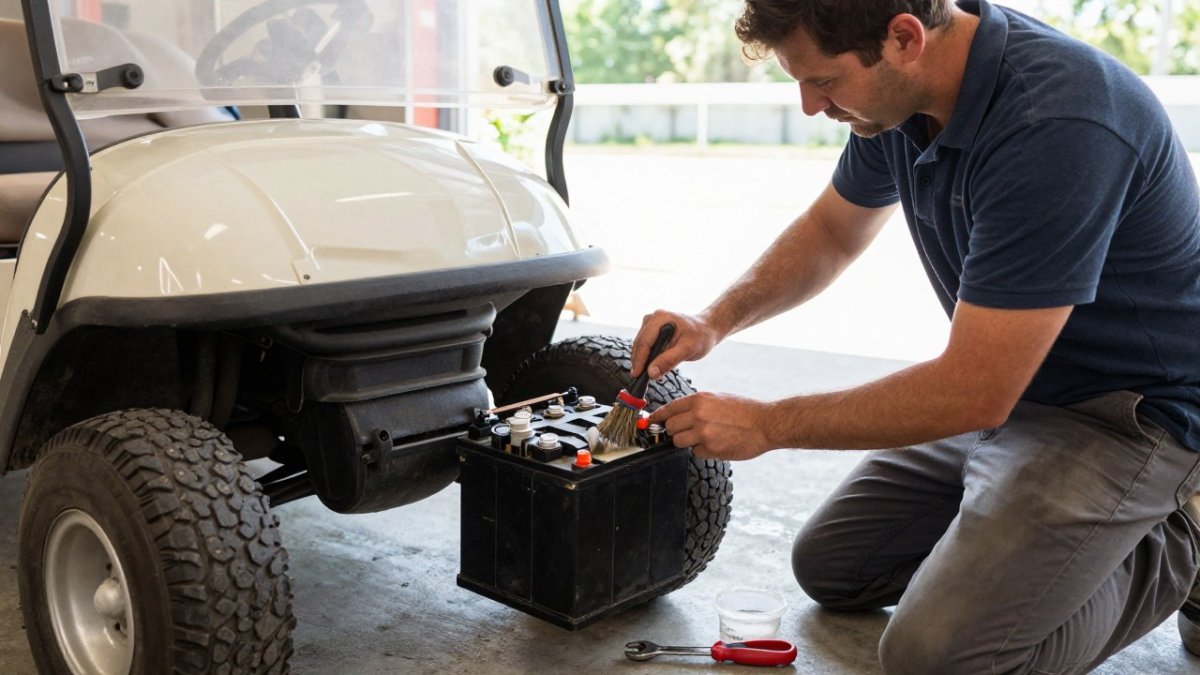
- Verify battery replacement dates against the battery date codes. Date codes are stamped or etched on the battery case or terminals. If the records claim a replacement in a given year, the installed batteries' date codes should be consistent. A recent replacement claim paired with old date codes is a direct mismatch.
- Look for internal consistency across documents. Shop names, addresses, phone numbers, labor rates, and part numbers should be consistent from one invoice to the next. Identical handwriting, paper stock, or formatting across different shops are red flags for documents created after the fact.
- Ask for the service schedule the shop followed. Routine maintenance should appear at regular intervals. A documented annual inspection and monthly battery checks tells a different story than one emergency repair and no preventive work. If the seller cannot explain the interval, ask the shop that performed the work.
- Request the previous owner's contact information and confirm the story. A seller who bought the cart from a fleet, a course, or a private owner should be able to provide a name or at least a business. A short call to confirm the sale date and reason for selling resolves many discrepancies before you spend money on an inspection.
If battery age is the missing piece, our guide on how old your golf cart batteries are walks through reading date codes so you can confirm what the paperwork claims.
Record-Review Checklist and Red Flags
Use this checklist as a quick pass before you move to a professional inspection. Any single red flag is a question to resolve; several together are a reason to walk away.
- Serial number missing, mismatched, or handwritten on multiple invoices.
- Dates that precede the model year or cluster around the listing date.
- Shop name or work order number that cannot be confirmed by phone.
Interpreting Electric Versus Gas Service Histories
Electric and gas carts produce different paperwork, and a buyer needs to read each on its own terms. An electric cart's history should show battery pack replacement or testing, charger checks, controller and wiring inspections, and terminal maintenance. A gas cart's history should show oil and filter changes, air filter service, spark plug replacement, fuel system service, and belt inspection.
What to Do When Records Are Missing or Incomplete
Missing records do not automatically kill a deal, but they change the math. When service history is thin, you are buying on condition alone and should price accordingly.
- Ask the seller to reconstruct the chain of service providers. Even without receipts, most sellers can name the shop that did the last service, the dealer that sold the cart, or the fleet operator that retired it. Call those providers with the serial number and ask whether they have work orders on file.
- Request battery date codes and photograph them. Date codes are the single most useful substitute for a battery replacement record. Ask for a clear photo of the code on each battery. If the codes are old, budget for replacement; if they are recent but the seller cannot explain who installed them, ask for the installer's name.
- Read the wear indicators yourself. Tire wear patterns, brake pedal travel, steering play, seat and floor mat wear, and terminal corrosion all tell you how the cart was used. A cart with low hours but heavy cosmetic wear may have been used commercially; high hours with clean wear surfaces may have been refurbished. Neither is automatically bad, but the story should be consistent.
- Ask for a written statement of known issues and prior repairs. A seller who will put known problems in writing is easier to trust than one who will only talk, and the statement gives you a baseline for inspection and negotiation.
- Budget for a baseline inspection and a likely repair reserve. A pre-purchase inspection by a qualified technician can help assess a cart when records are missing. Ask the technician to check battery health and date codes, charger operation, brakes, tire age and wear, frame and undercarriage rust, wiring, and any signs of flood damage. Set aside a reserve for the items most likely to be deferred, typically batteries, tires, brakes, and electrical connections.
- Use the missing-records discount as a negotiating tool, not a deal-breaker. A cart with no records but a clean inspection can still be a good buy if the price reflects the risk. A seller who resists an inspection, refuses battery date codes, or cannot name a single service provider is giving you information through that resistance.
Our used golf cart buying guide puts missing paperwork in the context of the full purchase decision, and our guide to the signs of flood damage in golf carts covers the corrosion and silt clues that paperwork will never show you.
Use a Used Golf Cart Inspection Checklist to Match Records to Condition
A used golf cart inspection checklist is how you confirm the paperwork matches reality. Records say the batteries were replaced; the inspection shows whether they actually were.
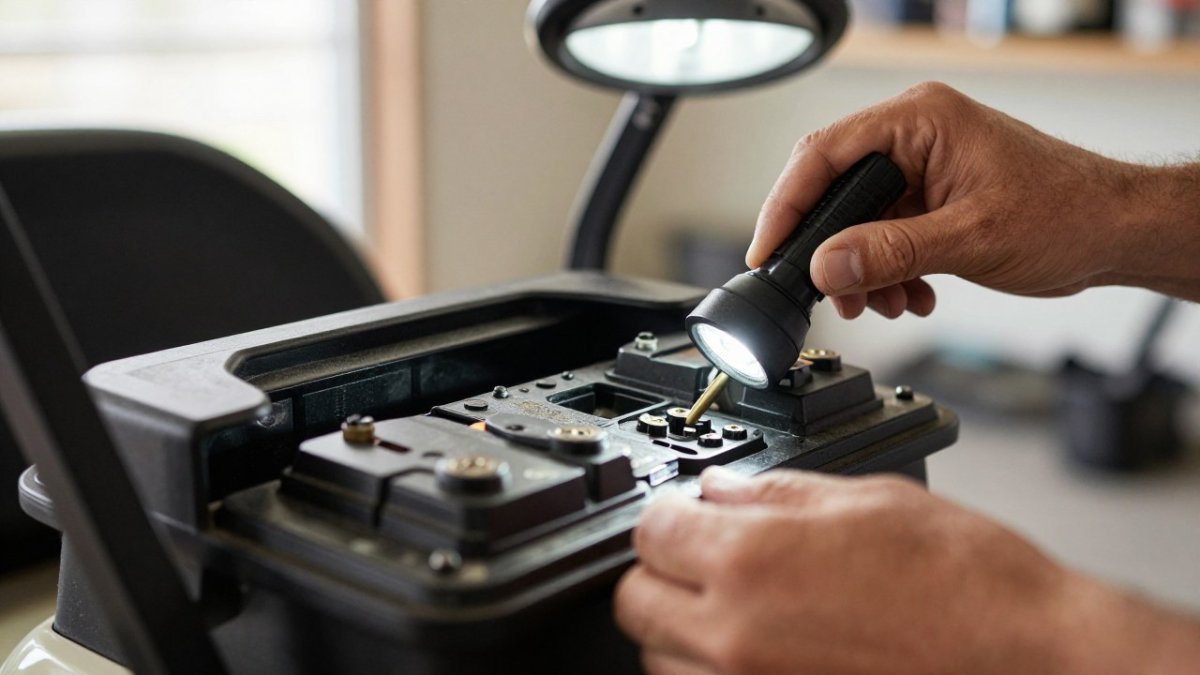
- Battery condition: Check date codes, terminals for corrosion, and electrolyte levels on flooded batteries.
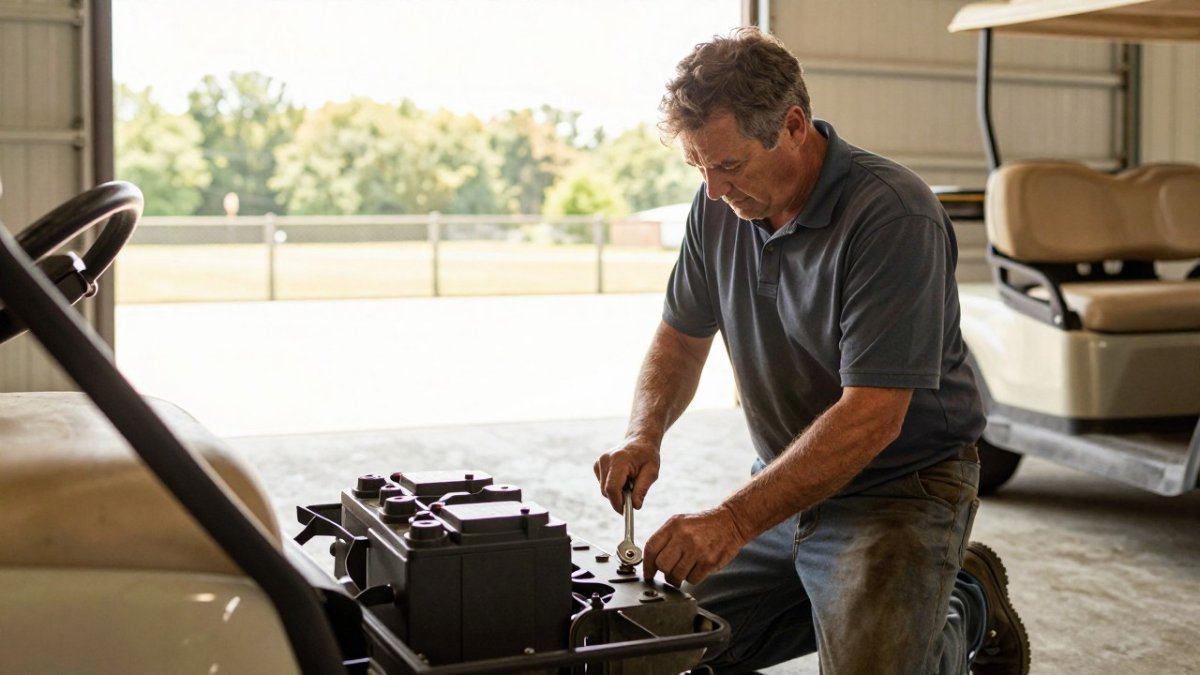
- Battery connections and wiring: Look for frayed cables, loose terminals, and DIY splices.
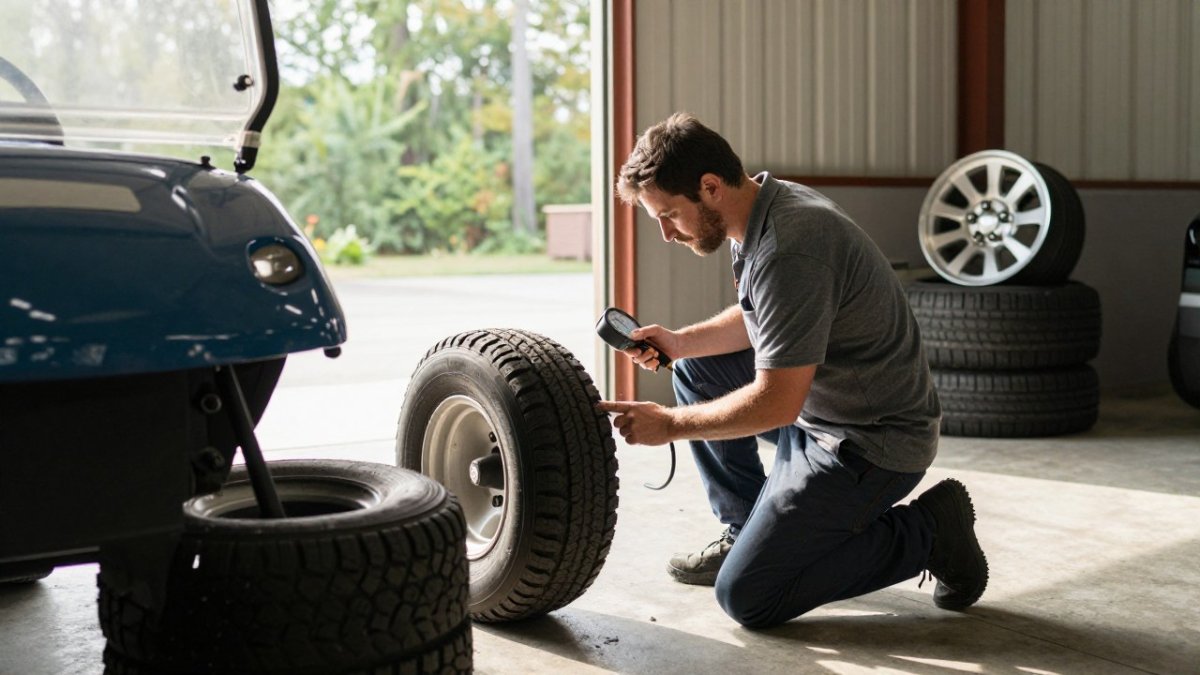
- Tire wear and pressure: Uneven wear points to alignment problems the records may not mention.
Flood damage is the sneaky one. Our guide to the signs of flood damage in golf carts covers the corrosion and silt clues that paperwork will never show you.
Build Your Own Golf Cart Maintenance Checklist Template for the Road Ahead
Once you own the cart, a golf cart maintenance checklist template keeps the history clean for the next buyer, and for you. Build one around these routine items and log every service visit.
| Task | Frequency | Why It Matters |
|---|---|---|
| Check tire pressure | Monthly | Prevents uneven wear and alignment drift |
| Inspect battery terminals | Monthly | Catches corrosion before it spreads |
| Check electrolyte levels | Monthly | Keeps flooded batteries healthy |
| Test brakes and controls | Monthly | Safety and predictable handling |
| Inspect wiring and connections | Quarterly | Prevents electrical faults |
| Full service inspection | Annually | Catches wear before it becomes a repair bill |
Keep receipts, note the date and mileage or hours, and record the shop name. For a ready-made version, our golf cart maintenance checklist covers the full schedule.
Book a Pre-Purchase Inspection Before You Hand Over Any Money
No amount of paperwork replaces a hands-on inspection by a professional.
Amplify Your Ride offers new and used cart sales, service, rentals, and parts, so we see both sides of the paperwork problem every week. Our professional diagnostics service gives you a clear picture of what you're actually buying.
The used-cart market rewards buyers who ask for proof and walk away when it doesn't add up.
Frequently Asked Questions
Can I look up golf cart service records by serial number?
Sometimes, but it depends on the manufacturer and the shop that did the work. You may need to contact the dealer or shop directly. Start with the serial number, then ask the seller which shops handled the cart. A serial number golf cart lookup confirms the model and year, which helps you request the right records.
How often should a golf cart be serviced?
Maintenance needs vary by cart and use. Check your cart's owner documentation for the service interval recommended for your model. A well-maintained cart should show a steady pattern of these visits in its maintenance history. Gaps of two or more years between service entries are a red flag worth questioning before you buy.
What maintenance records should I ask for when buying a used golf cart?
Request the full service history with dates and mileage or hour readings, battery replacement receipts showing age, tire replacement records, and any repair invoices for the controller, motor, or charger. Ask for the original purchase paperwork and warranty documents too. Cross-check the dates against the cart's model year and the serial number. If the seller cannot produce records for major repairs, treat those systems as unverified and factor an independent inspection into your decision.
Do golf carts have a 17-digit VIN like cars?
Many golf carts do not use a 17-digit VIN. They typically carry a manufacturer serial number stamped on a plate on the cart. That serial number is what dealers use for a golf cart maintenance lookup. Some newer street-legal carts may have a VIN if they are registered for road use, but for most used carts the serial number is the identifier you need.